AI Agent Note (0x02)
2025-11-30 00:00:00 # AI

0x02、Prompt Template

String Prompt Template

Only use to plain text

1
2
3
4
5
6
7
# Prompt Template
prompt_template = PromptTemplate.from_template("Today's {something} is very nice")

# Prompt Template pass params, change template to prompt
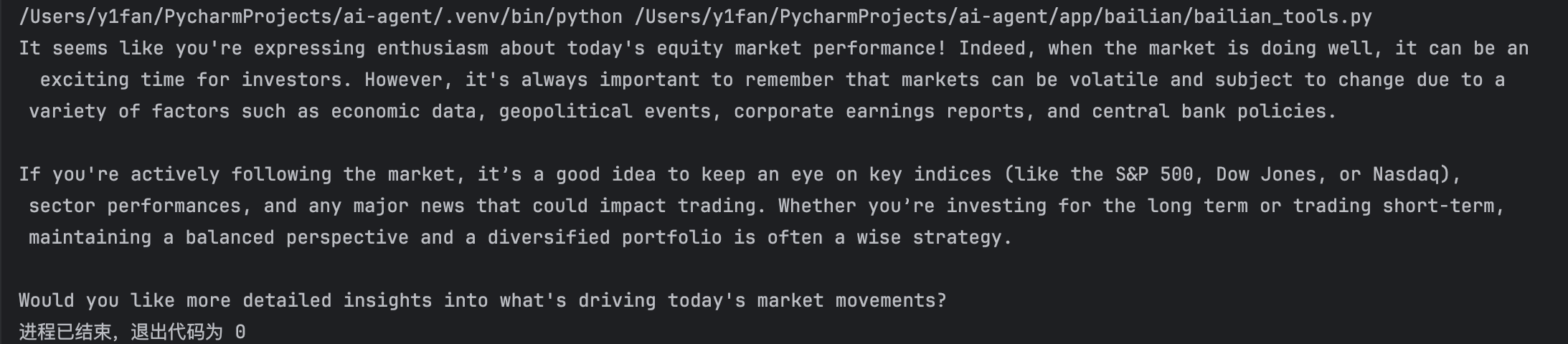
prompt = prompt_template.format(something="equity market")
resp = llm.stream(prompt)
Resp(resp)

image-20251128101223455

The program paradigm of Prompt Template is:

  1. Creating Prompt Template
  2. Passing params to Prompt Template, change the template to prompt

Env of this template:

  • Imput of model is Plain Text
  • Applicable to simple tasks

Chat Prompt Template

Use to chat task, input are message list (SystemMessage、HumanMessage、AIMessage), and simulate multi-round conversations.

1
2
3
4
5
6
7
8
9
10
11
12
13
14
15
# Chat Prompt Template
chat_prompt_template = ChatPromptTemplate.from_messages([
("system", "You are a {role} expert, excel in answering the problem of {domain}."),
("user", "Answer this question: {question}.")
])

# Chat Prompt Template pass params, change template to prompt
chat_prompt = chat_prompt_template.format_messages(
role="programmer",
domain="Web development",
question="How to build a front-end application based Vue"
)

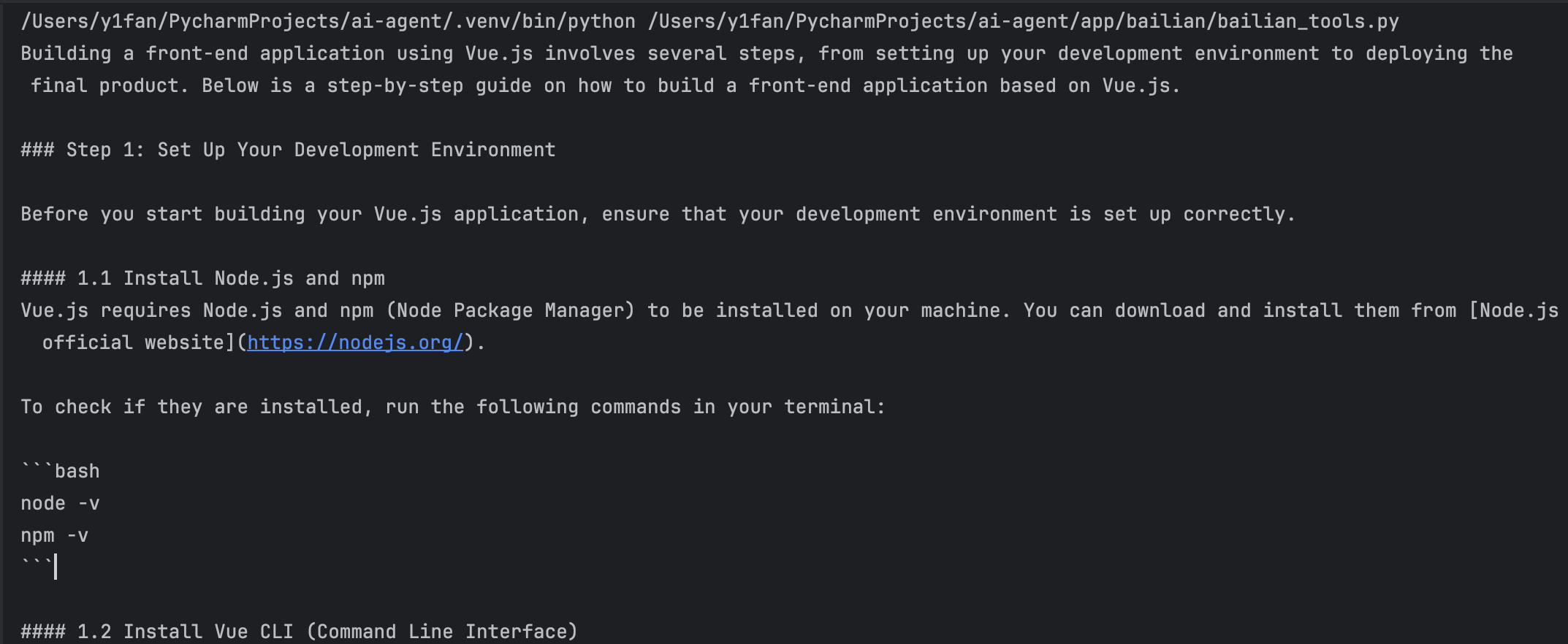
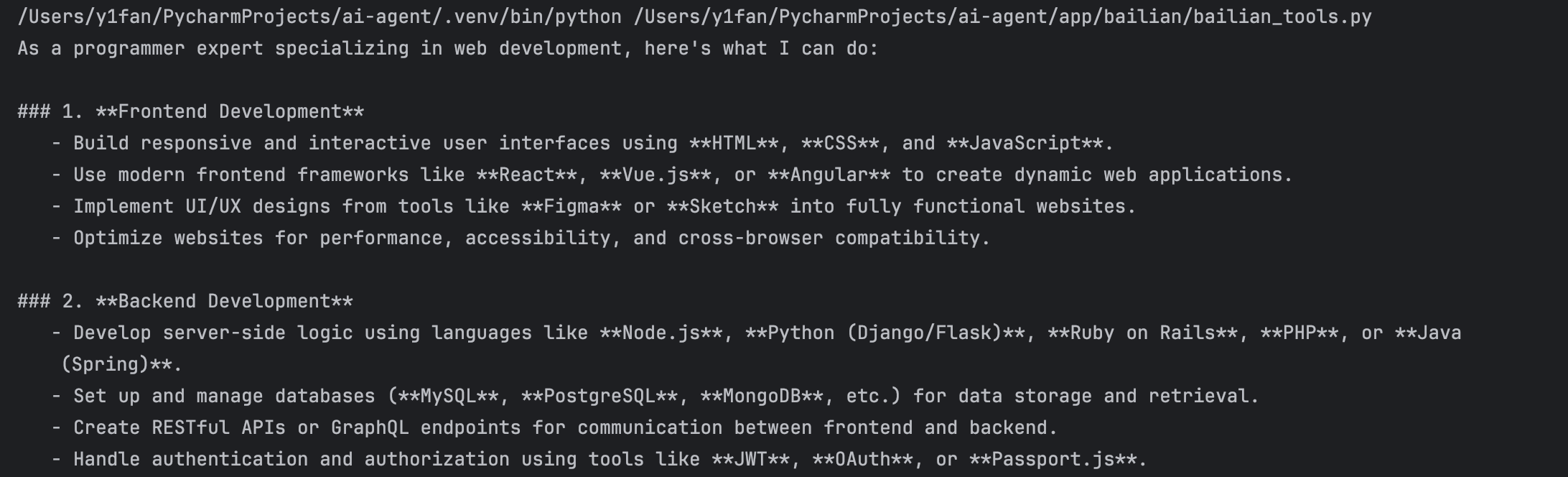
resp=llm.stream(chat_prompt)
Resp(resp)

image-20251128105023779


📌📌

In this way, the prompt template can be abstracted, but often we need to reuse message, so we can union ChatPromptTemplate and ChatMessagePromptTemplate to abstract message template.

1
2
3
4
5
6
7
8
9
10
# ChatMessage Template
system_message_template = ChatMessagePromptTemplate.from_template(
template="You are a {role} expert, excel in answering the problem of {domain}.",
role="system"
)

human_message_template = ChatMessagePromptTemplate.from_template(
template="Answer this question: {question}.",
role="user"
)

Than, the chat_prompt_template should be changed

1
2
3
4
chat_prompt_template = ChatPromptTemplate.from_messages([
system_message_template,
human_message_template
])

image-20251128141030742


FewShot Prompt Template

When we need complex task and need example to guide model’s action, we can use few shot learning, there are examples in prompt.

For example, we create a template named few_shot_prompt_template, there are five arguments.

1
2
3
4
5
6
7
few_shot_prompt_template = FewShotPromptTemplate(
examples=example,
example_prompt=PromptTemplate.from_template(example_template),
prefix="Translate English to Chinese: ", # target for this conversion
suffix="input: {text}\noutput: ", # format for this conversion
input_variables=["text"]
)
  • examples, the examples what we want model to input and output.

    1
    2
    3
    4
    5
    example = [
    {"input": "Translate 'hello' to Chinese", "output": "你好"},
    {"input": "Translate 'goodbye' to Chinese", "output": "再见"},
    {"input": "Translate 'hello' to Chinese", "output": "你好"}
    ]
  • example_prompt, the template of examples.

    1
    example_template = "input: {input}\noutput: {output}"
  • prefix, target for this conversion.

  • suffix, format for this conversion.

  • input_variables, the variable of model to receive input.

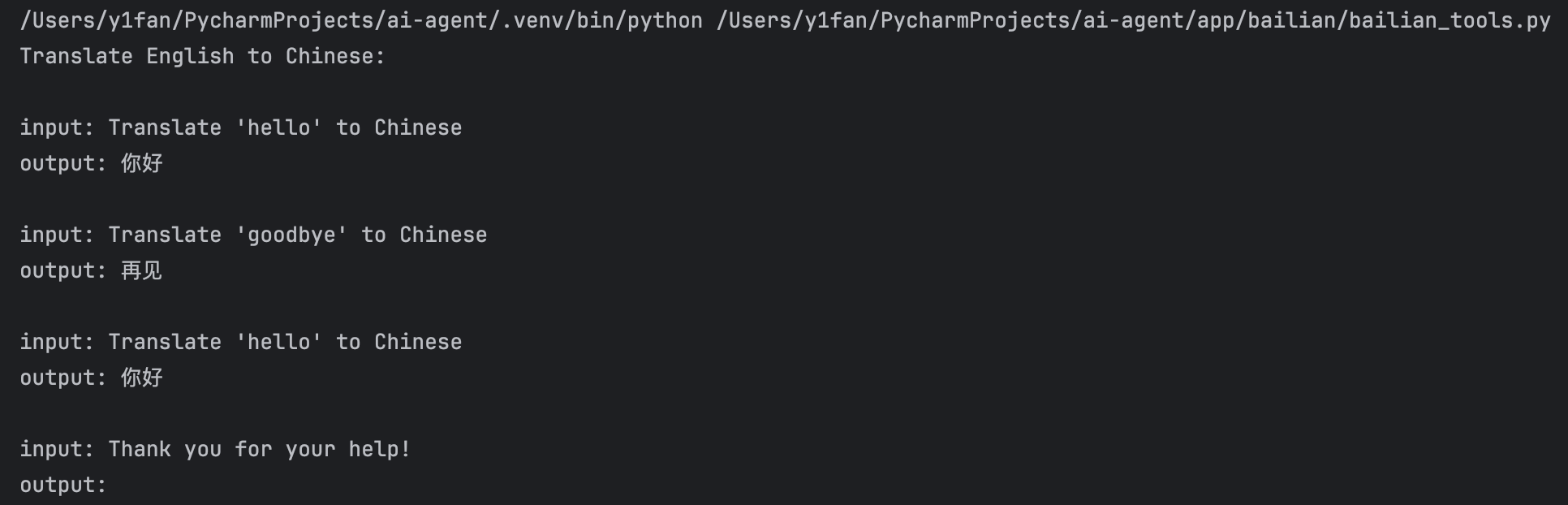
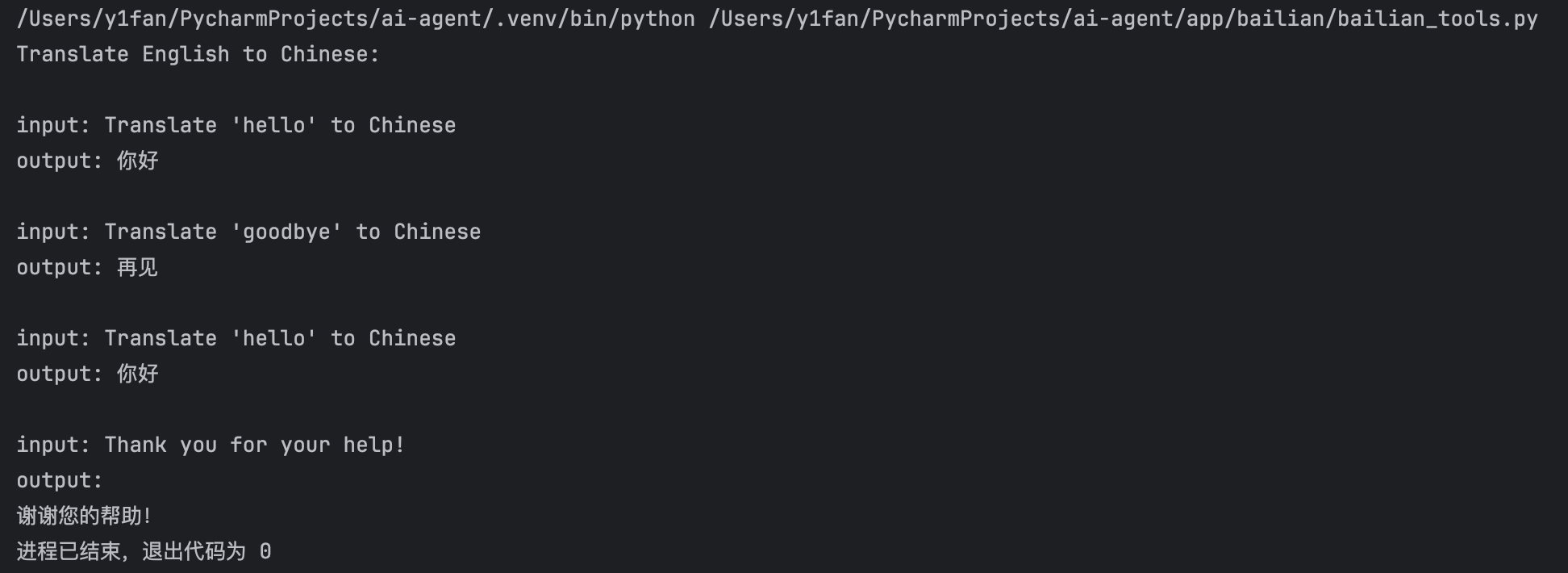
Than, printing prompt_template.

1
2
prompt = few_shot_prompt_template.format(text="Thank you for your help!")
print(prompt)

image-20251201134101610

We can see the prefix and the three exampls we gave. Now, let the LLM to perform task.

1
2
3
4
5
6
7
8
9
10
11
12
13
14
15
16
17
18
19
20
21
22
23
24
# Create few shot prompt template
example_template = "input: {input}\noutput: {output}"

example = [
{"input": "Translate 'hello' to Chinese", "output": "你好"},
{"input": "Translate 'goodbye' to Chinese", "output": "再见"},
{"input": "Translate 'hello' to Chinese", "output": "你好"}
]

few_shot_prompt_template = FewShotPromptTemplate(
examples=example,
example_prompt=PromptTemplate.from_template(example_template),
prefix="Translate English to Chinese: ", # target for this conversion
suffix="input: {text}\noutput: ", # format for this conversion
input_variables=["text"]
)

# print(few_shot_prompt_template)

prompt = few_shot_prompt_template.format(text="Thank you for your help!")
print(prompt)

resp = llm.stream(prompt)
Resp(resp)

image-20251201134528690

We can see the output of LLM is only the Chinese text like the examples.


Inheritance Relationship of Common Prompt Template Classes
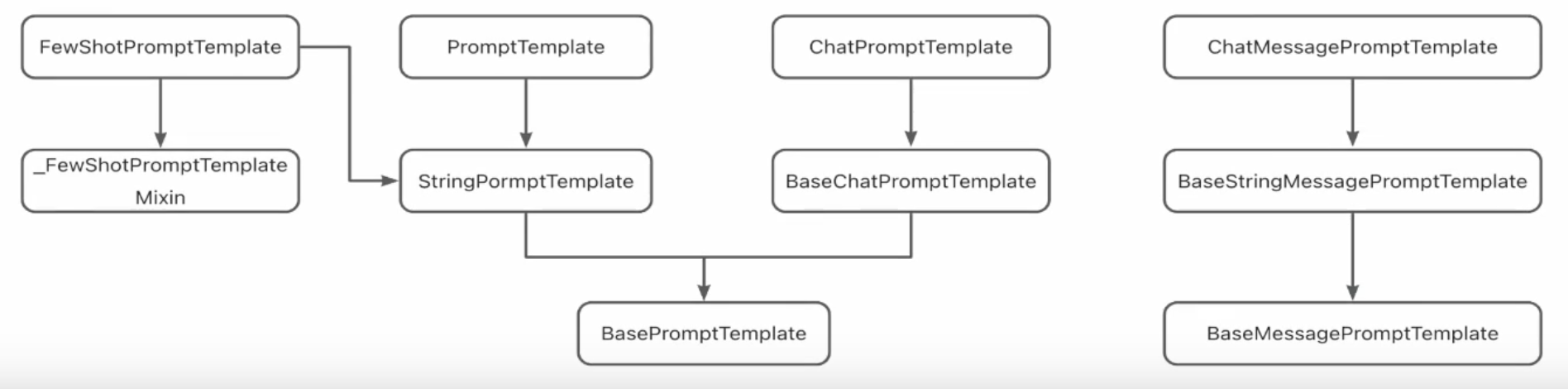
image-20251201141327551

In short, the base prompt template has two templates, one is string template, to finish single task, the other is chat template, to finish multi-round conversions.

Furthermore, the message template is aiming at message body.